The best IPTV service is the one that still works at 8 pm on a Saturday, on your own TV, at a price you'd happily pay again next year. Channel counts and 4K badges matter too, but they come second.
Here's the problem with most "best IPTV" lists: a seller wrote them, and that seller came first. We sell one too. iBoostv is on this page, and we're not going to pretend otherwise.
So we've stuck to things you can check. Every figure about another seller links to that seller's own website, and wherever iBoostv falls short, we say so plainly. Already know what you want? See the 4 plans.
Key takeaways
Price is the first thing everyone compares. It's also the last thing on your mind when the picture freezes in the final minute of a close game. So we used 7 checks, the ones we'd run ourselves before paying anyone. The best IPTV service for your home is whichever one passes the most.
Sellers rarely publish check 6, even on pages that call themselves the best IPTV service around. Ours is further down. Check 3 catches more people than you'd expect: 3 of Amazon's newest sticks can't install IPTV apps at all.
We read the pages of the sellers that show up most for this search, then took only what each one says about itself. If a seller doesn't publish a detail, or we couldn't confirm it, the table says Not verified. That's the only fair way to line up the best IPTV service provider options without guessing.
| IPTV service (source, date checked) | 12 months, 1 screen | Free trial | Refund window | Live channels | Payment |
|---|---|---|---|---|---|
| iBoostv (this page, Nov 2026) | $59.99 | No | 14 days, no questions asked | 40,000+ | Card |
| Layerseven (16 Nov 2026) | $90 | 24 hours | 7 days | 24,000+ | Not verified |
| SMARTSGI (15 Nov 2026) | Not verified (1 month is $19.99) | On request, via WhatsApp | Not verified | Not verified | Not verified |
| PrimeStream US (15 Nov 2026) | Not verified | 24 hours | Not verified | Not verified | Not verified |
"Not verified" isn't a dig at anyone. It means the detail isn't on the seller's own page, so ask them before you pay.
Two things stand out. Over a year, iBoostv costs $30.01 less than Layerseven ($59.99 against $90). It's also the only service in the table without a free trial.
We think that's the better deal for you. A 24-hour trial rarely lands on the night of a big game, while 14 days almost always does. If the stream struggles that night, you get your money back, which tells you far more about the best IPTV service for your home than one quiet afternoon.
Seen enough?
Covered by our 14-day money-back guarantee, like every plan.
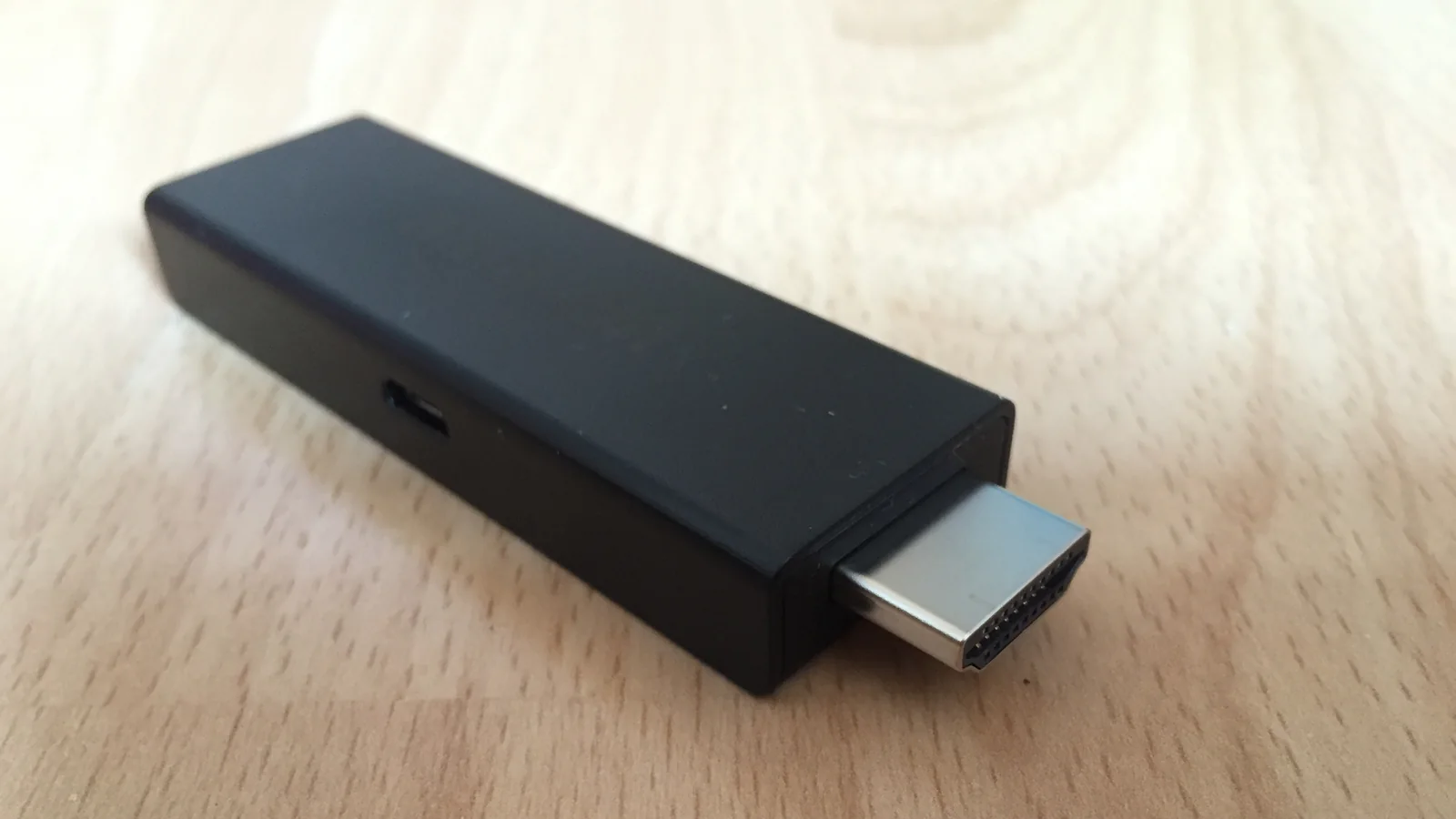
Our honest pick for most homes: iBoostv on the 12-month plan, watched in TiviMate on a Firestick or an Android TV box. That gets you the live channels as well as the full film library for $5.00 a month per screen. For people who watch most evenings, it's the best IPTV service setup we know of.
iBoostv is a good fit if:
Go with a different service if:
One more limit before you buy. Picture quality follows the source: we carry 4K and 8K channels, but a channel broadcast in HD stays HD on a 4K TV. No IPTV service, the best one included, can add detail the broadcaster never sent.
The cheapest way to pay for iBoostv is the 12-month plan: $59.99 for 1 screen, or $5.00 a month. Pay $13.99 every month instead and the same year costs $167.88, so the yearly plan leaves you $107.89 better off. So for anyone who watches every week, that's the best way to pay for this IPTV service.
| Plan | Price, 1 screen | Per month | You save vs paying monthly |
|---|---|---|---|
| 1 month | $13.99 | $13.99 | Nothing |
| 3 months | $24.99 | $8.33 | 40% ($16.98) |
| 6 months | $34.99 | $5.83 | 58% ($48.95) |
| 12 months | $59.99 | $5.00 | 64% ($107.89) |
More screens cost more. The yearly math still works in your favor, because each extra screen lowers the price per screen.
| Screens playing at once | 12 months | Per screen, per month |
|---|---|---|
| 1 | $59.99 | $5.00 |
| 2 | $109.99 | $4.58 |
| 3 | $149.99 | $4.17 |
| 4 | $189.99 | $3.96 |
Not sure how many screens you need? Start with 1. You can add connections later without losing your plan, and every length and price also sits on our IPTV subscription plans page.
Pick a length below. You'll choose how many screens on the next page.
14-day money-back guarantee | Secure card checkout
iBoostv carries 40,000+ live channels from all over the world, with sports, pay-per-view and premium channels included. A big number is useless if you can't find anything, so ours are grouped by country and category. The US and UK sections each sit on their own instead of in one endless scroll, and live sport has its own sections, with pay-per-view events showing up as they air.
Besides the live side, the on-demand library holds 200,000+ movies, series and shows. Your TV guide looks 14 days ahead, and you can record in apps that support it.
Looking for one channel in particular? Search the full channel list before you buy, because the best IPTV service is the one that carries what you watch. It takes 2 minutes and can save you a refund request later.
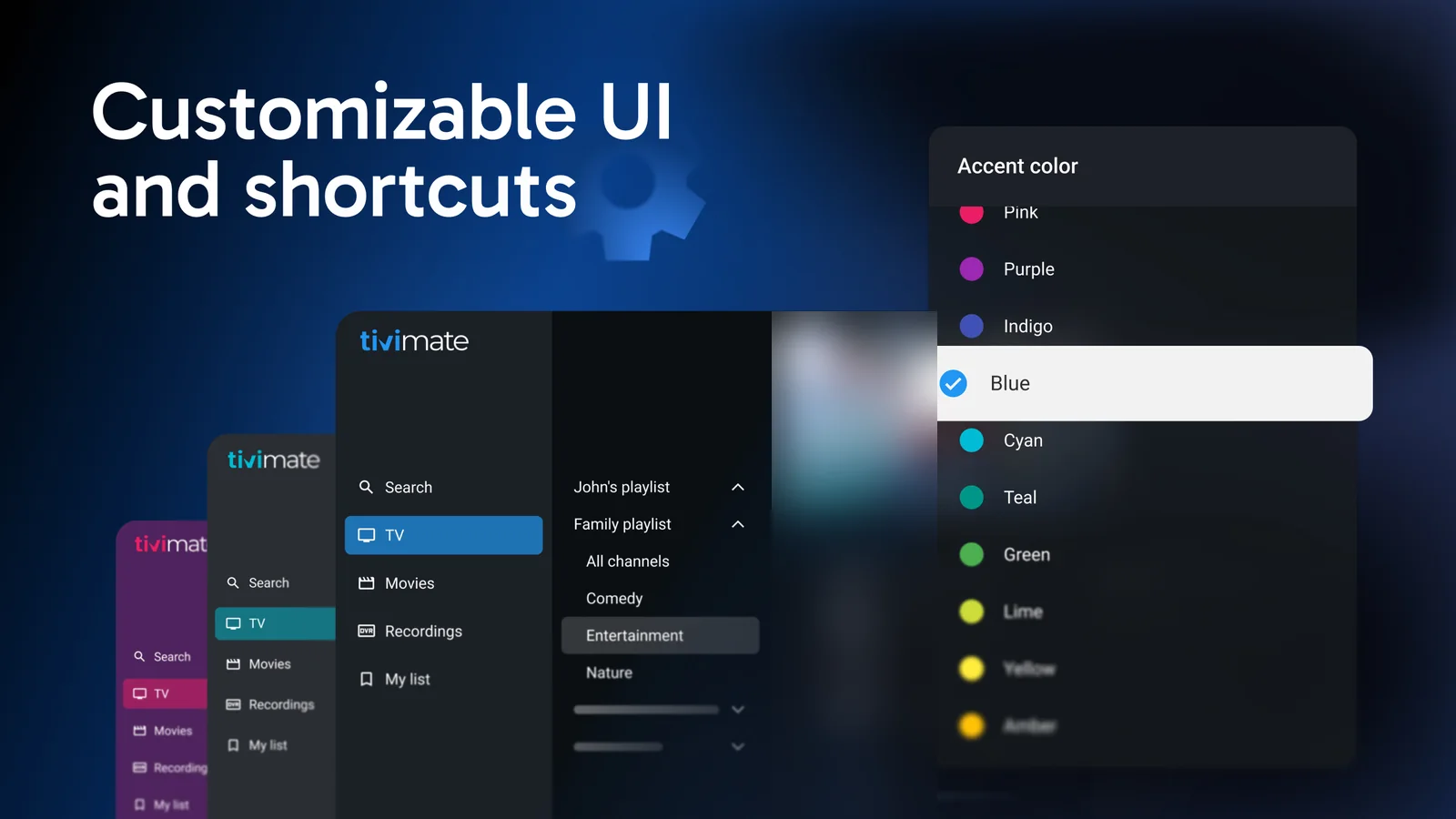
Still, the service is only half of it. The app you watch in decides how the guide looks and how fast channels switch, so even the best IPTV service feels clumsy in the wrong app.
TiviMate is our pick for any TV running Android, Firestick included. It's the best TV app we've used with an IPTV service. Everything runs from the remote, and the guide fills itself in from your login.
Multiview puts 2 channels on screen at once, but each one uses a connection. Its Premium features, however, are a separate purchase from the TiviMate developer, not from us.
One catch with Firesticks. Amazon's Fire TV Stick 4K Select and the 2026 Fire TV Stick HD run Vega OS, which can't install Downloader or sideloaded apps (AFTVnews keeps the full list). If yours is on that list, use an Android TV box instead. Before you pick any provider for this app, read what to check in a TiviMate provider.

On a phone or tablet, IPTV Smarters Pro is the best way to watch an IPTV service. When you type your login once, it keeps live TV apart from the film library, which helps a lot on a small screen.
The same login works on Samsung and LG Smart TVs, Apple TV and iPhone, Roku, MAG boxes, Formuler, and Windows or Mac. Each device has its own app. Not sure which one suits your TV? Send support the model number and we'll tell you.
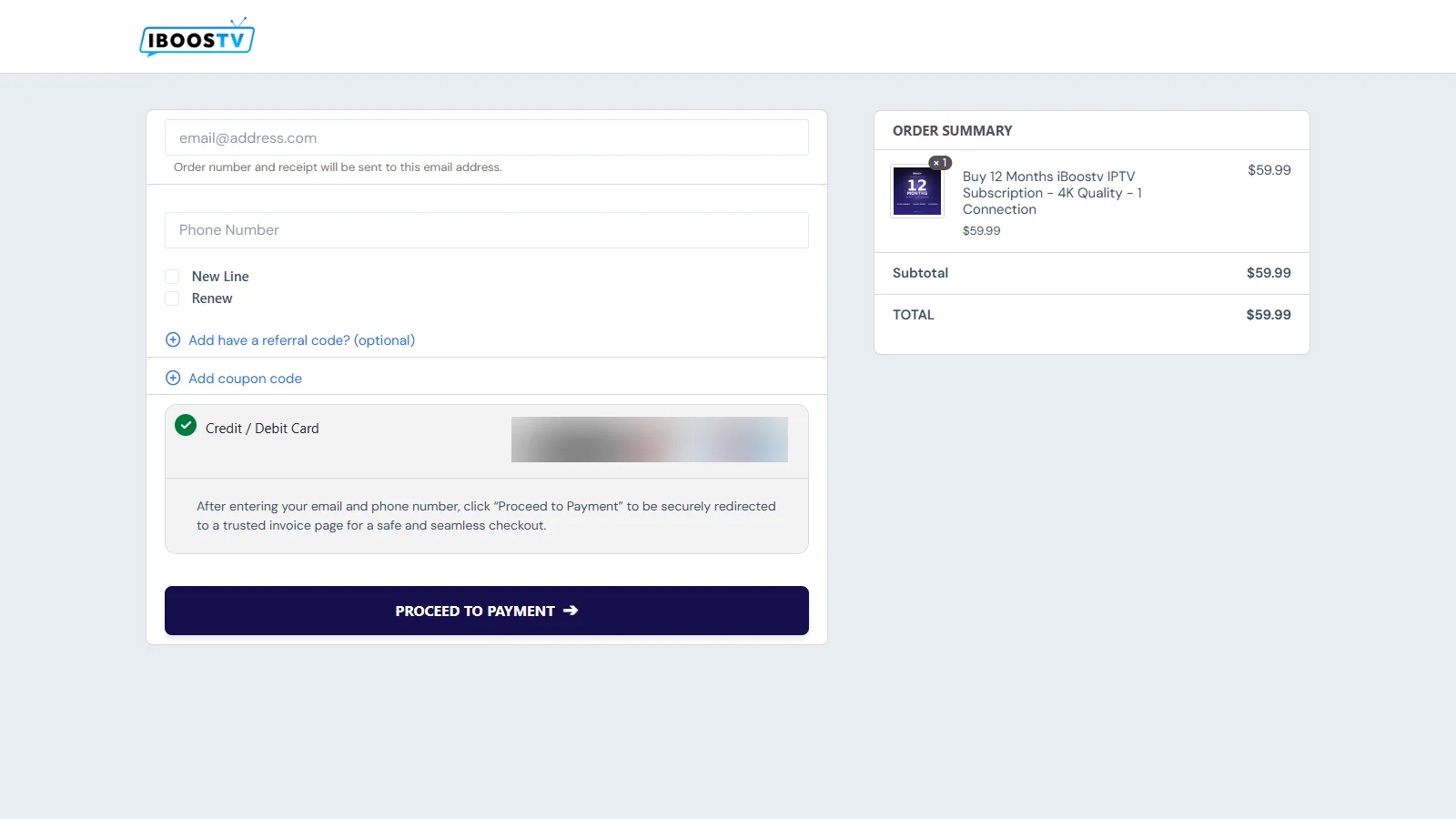
Login details are emailed instantly after payment. At busy times it can take longer. If you're comparing which IPTV service is best, ask every seller this question, because none of the 5 seller pages we read for this guide answer it in writing.
The email holds everything your app asks for, such as the server address and your username. Copy and paste it instead of typing it, because one wrong character is enough to make a first login fail.
Paying by card takes about a minute at checkout. If the service doesn't hold up on your connection within 14 days, you get your money back, no questions asked (refund policy).
What makes the best IPTV service in the USA is mostly local. These 3 checks matter more than the channel count.
Our page on IPTV for US viewers also goes deeper on live sport and setup. Read it first if you're switching from cable.
Even the best IPTV service gives some people a rough first week. These 4 snags have quick fixes.
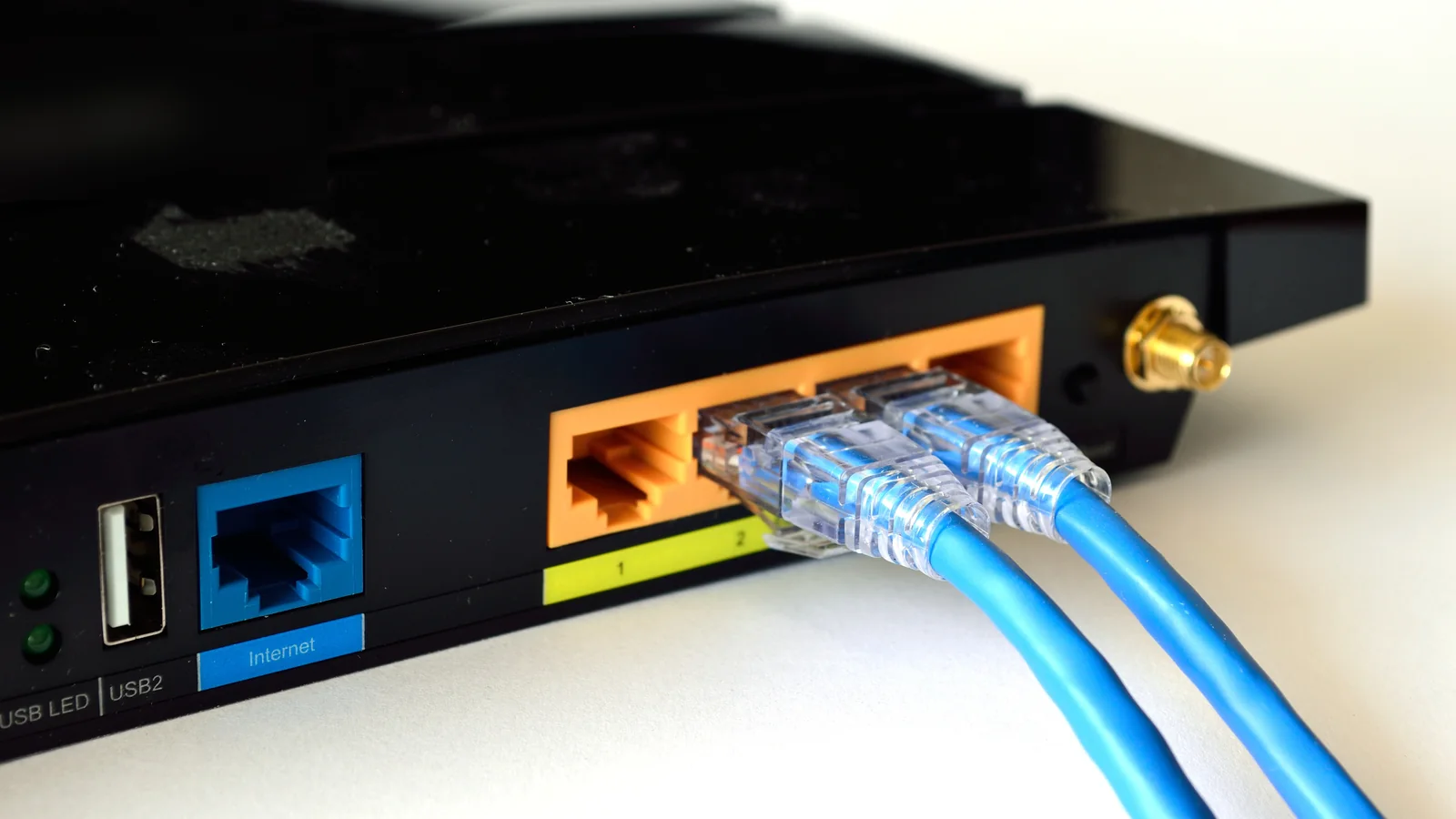
When buffering hits around 8 pm, it's usually your home Wi-Fi at its busiest. Plug the stick into the router with a cable, or switch it to the 5 GHz band, then try the same channel again.
"Login failed" almost always means a typo. So paste the details from the email exactly as sent, capital letters included.
If a new Firestick won't install the app, it's probably a Vega OS model. An Android TV box fixes it, and no setting on the stick will.
A "max connections" message means more screens are playing than your plan allows. Close the app on the other device, or add a connection to your plan.
Still stuck? Message support and name your device and app in the first line. That one detail saves a round of questions.
The 12-month plan is our cheapest per month: $59.99, which works out at $5.00 a month for 1 screen. If you'd rather pay less upfront, 1 month is $13.99. Other sellers advertise lower prices, so check their refund window before you chase one.
TiviMate is the best TV app for IPTV on Firestick and Android TV, whichever IPTV service you choose. On a phone or tablet, though, IPTV Smarters Pro is easier to live with. Both pull your TV guide in from the login, so you never set up channels by hand.
Yes, if you only watch 1 or 2 networks: their own apps need no setup and can cost less. An IPTV service is the best fit when you want live channels from several countries and the whole sports schedule in one place.
No, we don't run trials. Every plan has a 14-day money-back guarantee instead, so you can watch for 2 weeks on your own TV and ask for a full refund if it doesn't hold up.
Login details are emailed instantly after payment, though at busy times it can take longer. Copy them straight into your app instead of typing them.
About this page
Written by the iBoostv Support Team. We've run iBoostv since 2023, look after 10,000+ customers and answer support 24/7 on WhatsApp, Telegram and email. Figures about other sellers come from their own websites, on the dates shown in the table. Last updated: 16 November 2026.
If you watch all year, 12 months is the lowest monthly cost we offer: $5.00 a month. Not sure yet? Start shorter. Every plan carries the same 14-day money-back guarantee, so you're covered either way.
